EduBoard EBID Interactive Whiteboard
Turn any projector setup into a 20-point multi-touch surface. Infrared touch means you can write with a finger, the supplied stylus markers or any opaque object — no batteries, no special pen.
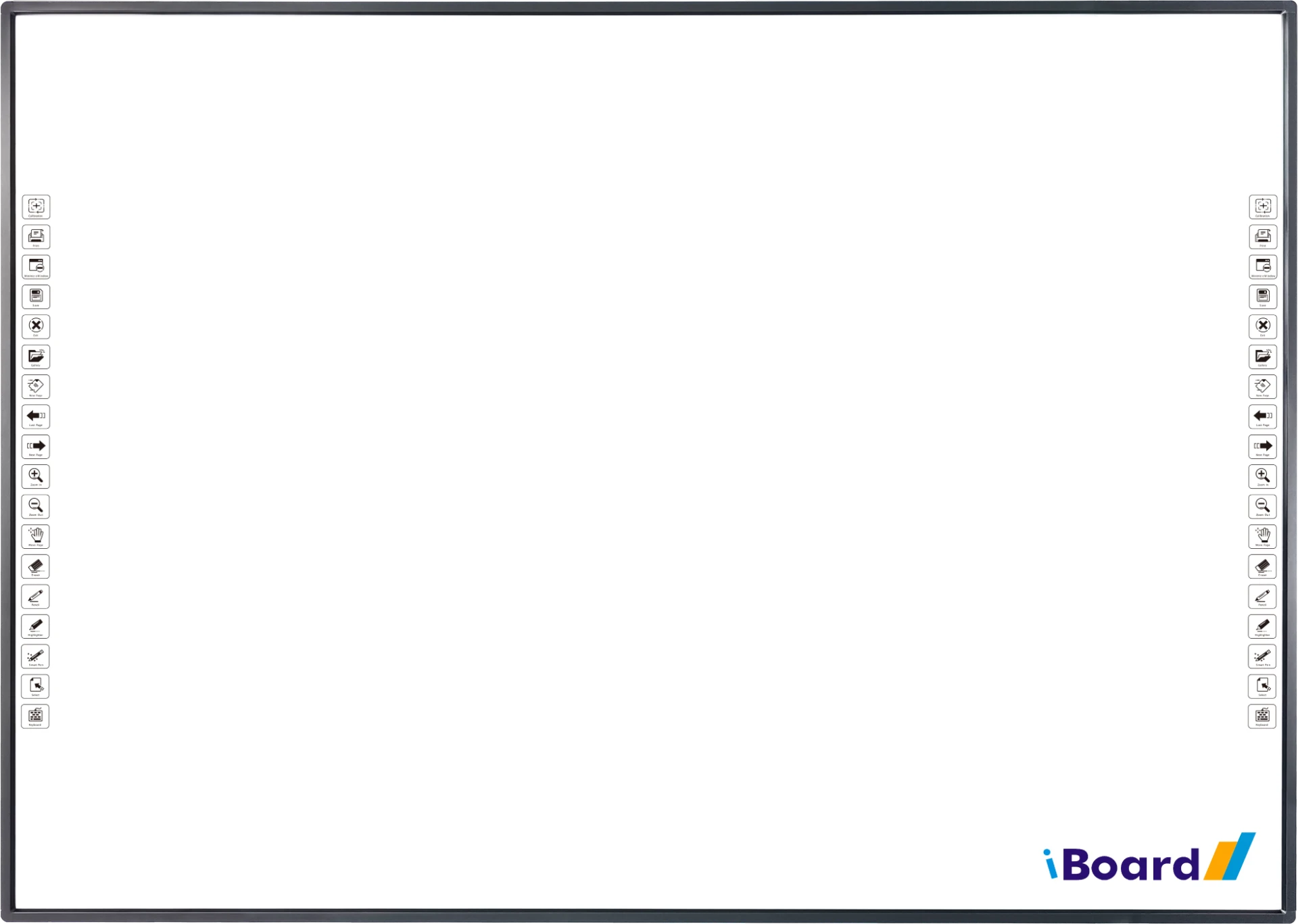
Write with anything
Infrared 20-touch interactive whiteboard in five sizes from 70" to 101", with hotkey strips on both sides and an optional smart pen tray.
- Infrared touch · 20 touch points
- Sizes 70", 83", 88", 96", 101"
- Finger, stylus or any opaque object
- Smart pen tray (+$90)
Product photos
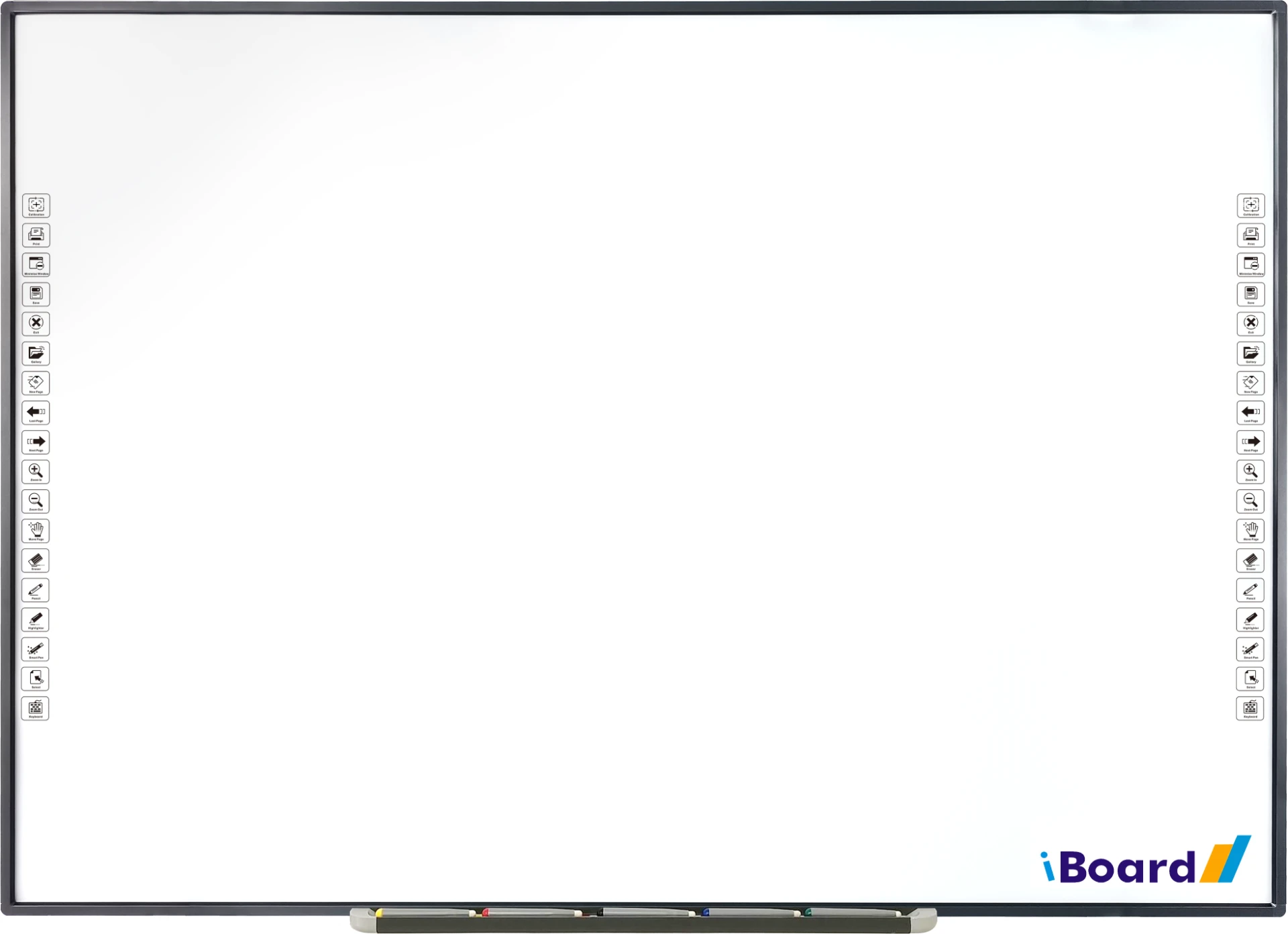
Models and sizes
| Model | Active area | External size | Aspect | Weight | Price |
|---|---|---|---|---|---|
| EBID-9400U-70 | 1431 × 999 mm (68.7") | 1462.4 × 1030.4 × 22 mm (70.4") | 4:3 | 8.5 kg net / 11.8 kg gross | $630 |
| EBID-9400U-83 | 1692 × 1194 mm (81.5") | 1723.4 × 1225.4 × 22 mm (83.3") | 4:3 | 13.0 kg net / 16.6 kg gross | $690 |
| EBID-9400U-88 | 1937 × 1040 mm (86.6") | 1968.4 × 1071.4 × 22 mm (88.2") | 16:9 | 13.2 kg net / 17.0 kg gross | $750 |
| EBID-9400U-96 | 2100 × 1125 mm (93.8") | 2131.4 × 1156.4 × 22 mm (95.5") | 16:9 | 15.1 kg net / 20.7 kg gross | $810 |
| EBID-9400U-101 | 2222 × 1194 mm (99.3") | 2253.4 × 1225.4 × 22 mm (101.0") | 16:9 | 16.7 kg net / 23.3 kg gross | $870 |
Smart pen tray — +$90
A magnetic tray with colour-coded slots for the markers and eraser. The board detects which tool is lifted and switches the on-screen pen colour, highlighter or eraser automatically — no taps, no menus, no lost markers.
- Auto tool switching — lift a marker and the board picks that colour instantly.
- Always-on eraser slot, so any student can correct without hunting for the right button.
- Magnetic docking keeps markers in place and charged-ready, no batteries inside the board itself.
- Faster lessons — teachers write and erase naturally instead of opening toolbars.
Overview
The EduBoard EBID interactive whiteboard turns any projector setup into a 20-point multi-touch surface. Infrared touch means you can write with a finger, the supplied stylus markers or any opaque object — no batteries and no special pen. The nanometer high-polymer surface over an aluminium honeycomb core gives a low-glare projection image and a durable dry-erase writing surface; an enamel porcelain surface is available as an option. Identical hotkey strips run down both the left and right edges for calibration, print, save, page navigation, zoom, eraser, pencil, highlighter, smart pen and on-screen keyboard. The board is powered over USB from the PC, works with Windows, macOS, Linux and Android, and ships with wall-mount brackets, stylus markers, a 5 m USB cable and software. A smart pen tray with colour-coded marker slots is available as an option.
20-point infrared touch
Up to 20 simultaneous touches with ≥1 mm accuracy and ≤5 ms response — several students can write at once.
Write with anything
Finger, stylus marker or any opaque object; no batteries, no proprietary pens to replace.
Hotkeys on both sides
Mirrored shortcut strips for calibration, save, print, pages, zoom, eraser and pen tools within reach of any teacher.
Smart pen tray (+$90)
Add the colour-coded tray with slots for markers and eraser so the board always detects which tool is lifted and switches pen colour, highlighter or eraser automatically — no on-screen taps, no menus, no lost markers.
Technical specifications
- Touch technology
- Infrared
- Touch points
- 20 touches
- Touch resolution
- 32767 × 32767
- Coordinate accuracy
- ≥ 1 mm
- Tracking speed
- 8 m/s
- Transmitting speed
- 12 M/s
- Cursor speed
- 180 pps
- Response time
- ≤ 5 ms
- Input method
- Finger, stylus or any opaque object
- Interface
- USB 2.0 / 3.0
- Supported OS
- Windows XP/Vista/7/8/10/11, macOS, Linux, Android
- Surface material
- Nanometer high-polymer surface + aluminium honeycomb (enamel porcelain optional)
- Projection effect
- Excellent with low glare
- Viewing angle
- Left & right 170° / up & down 160°
- Hotkeys
- Left and right side strips
- Smart pen tray
- Optional add-on — +$90
- Power supply
- DC 5V via PC USB port (DC 4.6V – 5V)
- Working current
- ≤ 110 mA, ≤ 2W power consumption
- Working environment
- -15°C to +55°C, 20–90% humidity
- Storage environment
- -40°C to +70°C, 10–90% humidity
- Accessories
- Stylus markers (black/green/red), wall-mount bracket set, software, 5 m USB cable
- Warranty
- 1 year manufacturer warranty
Need an interactive whiteboard for your classroom?
Tell us your projector and room size — we'll recommend the right EBID model, quote freight to your address, and include the wall-mount kit and software.